A campaign is easier to keep consistent when you decide what stays fixed. Start with one product, one avatar, and one preset, then vary the composition deliberately.

Make a reference shot

Create a clear first image using the product photo workflow. Check the product and identity before making more images. Save the garment in your wardrobe and keep a record of the avatar, preset, image model, and quality setting.

Plan a small shot list

Start with two or three useful images. Generating many variations before checking the first one can repeat the same mistake across the whole set.

Vary the pose, not the brief

Reuse the selected avatar, outfit, and preset in Generate. Change the additional direction for each shot, or use the pose tool on an existing result.

Take the same model into another setting

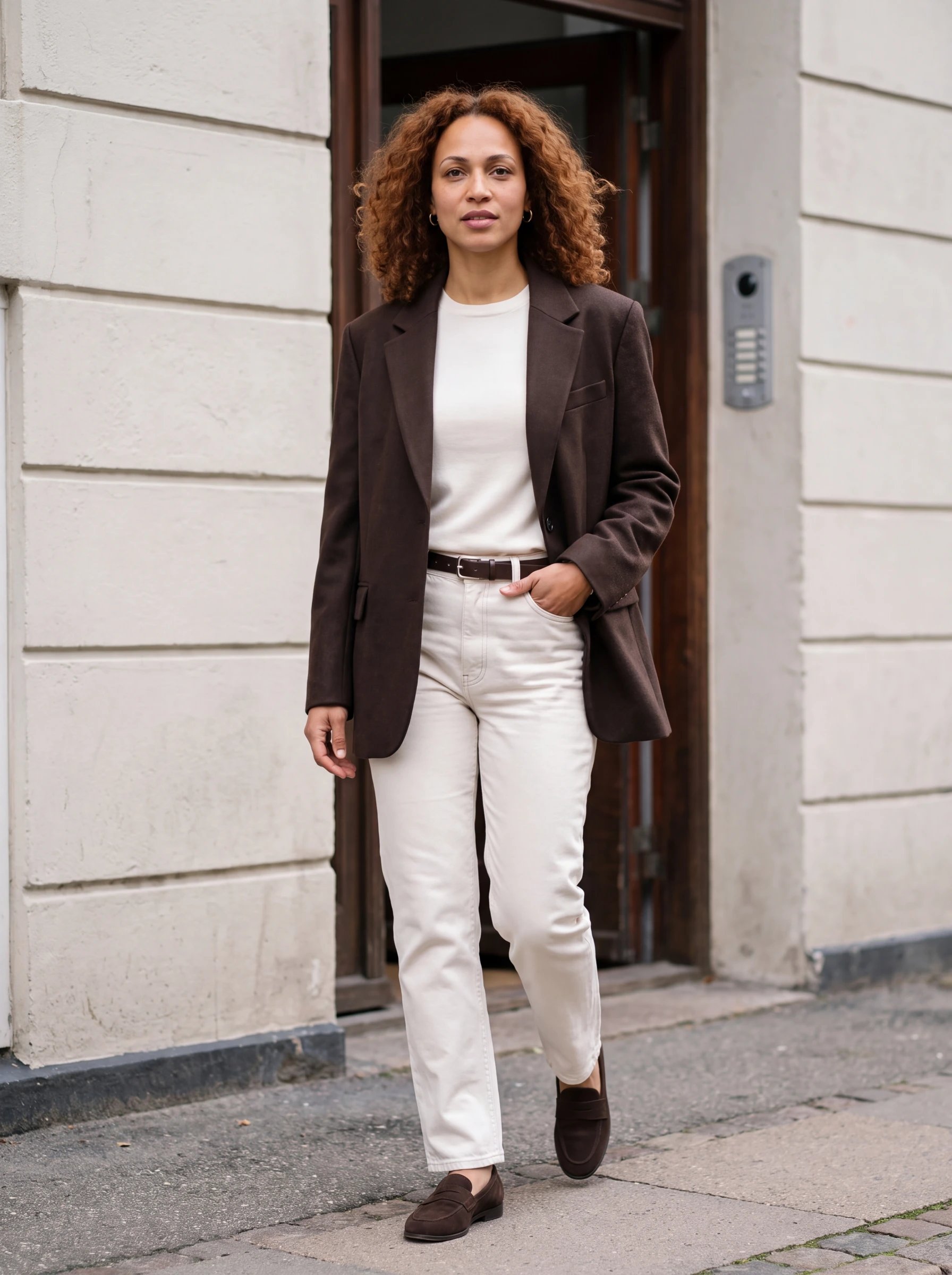
For a series that needs both studio and location imagery, keep the avatar selected and change the scene direction. These photos use Mara, the saved avatar from our Avatar Builder walkthrough, with a repeated outfit description: a chocolate wool blazer, ivory knit, ecru denim, and brown loafers.
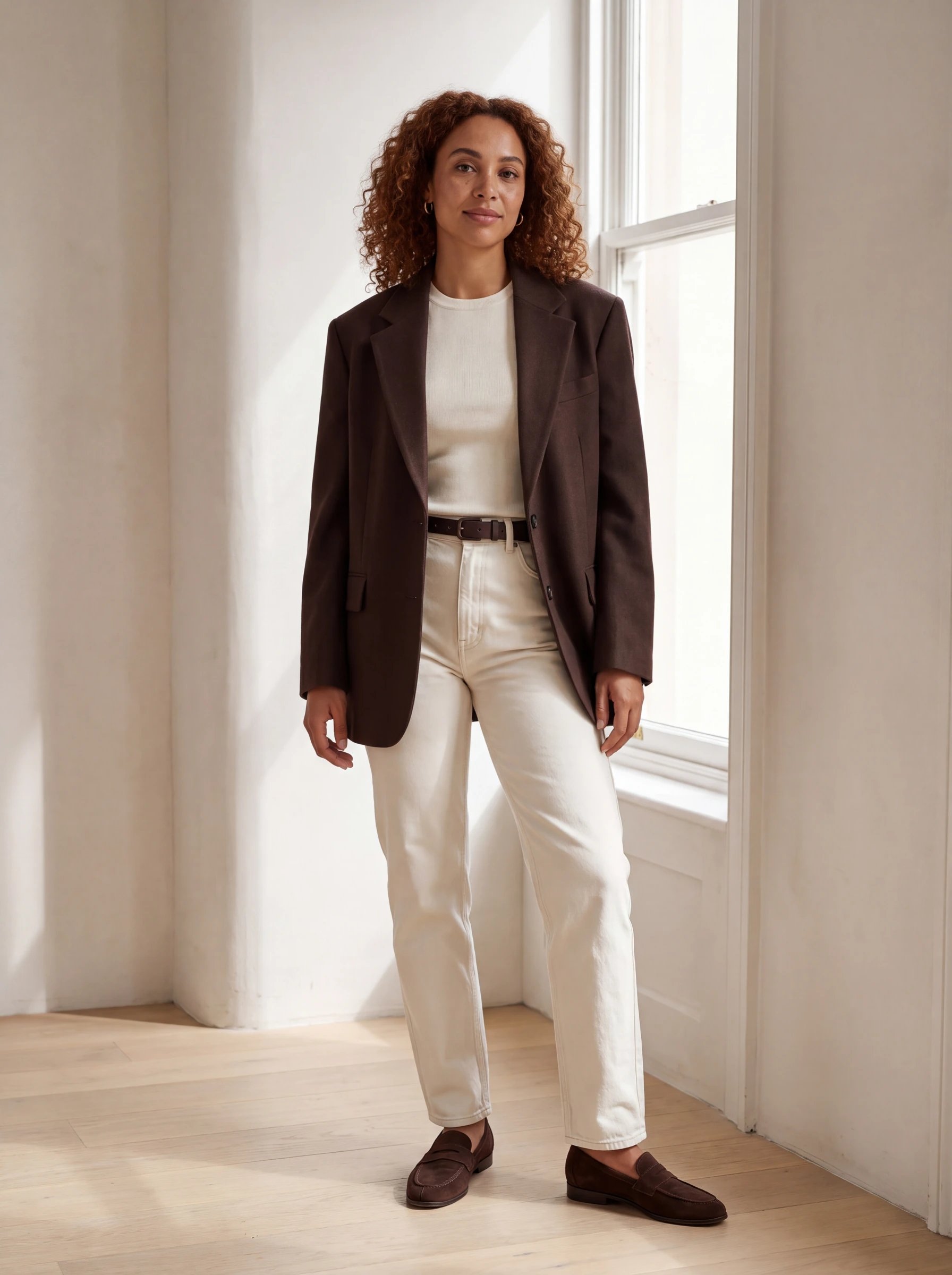
Mara in a chocolate blazer and ecru jeans beside a tall studio window

Daylight studio · soft window light

Mara wearing coordinated chocolate and ivory tailoring on a quiet street

Quiet street · overcast daylight

Both examples use Nano Banana Pro at 4K. Soft daylight, natural skin texture, and relaxed fabric folds give the set a more photographic feel. These illustrate a styled campaign; for an actual retail product, supply its photos or saved wardrobe asset and check the details against that reference.

Review the images together

Check face, hair, product color, fabric, seams, and proportions across the set. Compare lighting and crops as well as individual image quality. An attractive image can still be the wrong fit for the series. Keep the best versions in a folder. Use Extend when a finished image needs room for a banner or another layout, then check the newly generated edges. When the stills are approved, use one as the starting frame for a short video.